Facebook is still where many customers in Ghana look up a business before they call, visit or pay. A Page that looks unfinished, posts once in a while and leaves messages unanswered quietly sends people to a competitor. A Page that looks complete, posts with purpose and replies quickly does the opposite.
Use this checklist to see where your Page stands. Tick off each item, fix what's missing, and you'll have a Page that looks professional and brings in enquiries, not just likes.
1. Set up the basics properly
These are the first things people see. Get them right once and they keep working for you.
- Page name: your real business name, exactly as it appears on your signboard and receipts. No slogans or extra keywords.
- Username: a short, clean link such as facebook.com/yourbusiness, easy to share and print.
- Profile photo: your logo, centred with space around it so the circle crop doesn't cut it. Use the same image on Instagram, WhatsApp and LinkedIn so people recognise you.
- Cover image: show what you do, not just your logo: your shop, your team, your best work or one clear message. Design it at 1640 × 624 pixels and keep important words in the middle, because phones crop the sides.
- Category: choose the one closest to what you sell, and add extra categories for your other services.
- Intro: one sentence that says what you do, for whom and where. For example: "Websites, apps, branding and print under one roof at Kropo Market, Kumasi."
2. Make it easy to contact and find you
- Phone number and email that someone actually answers.
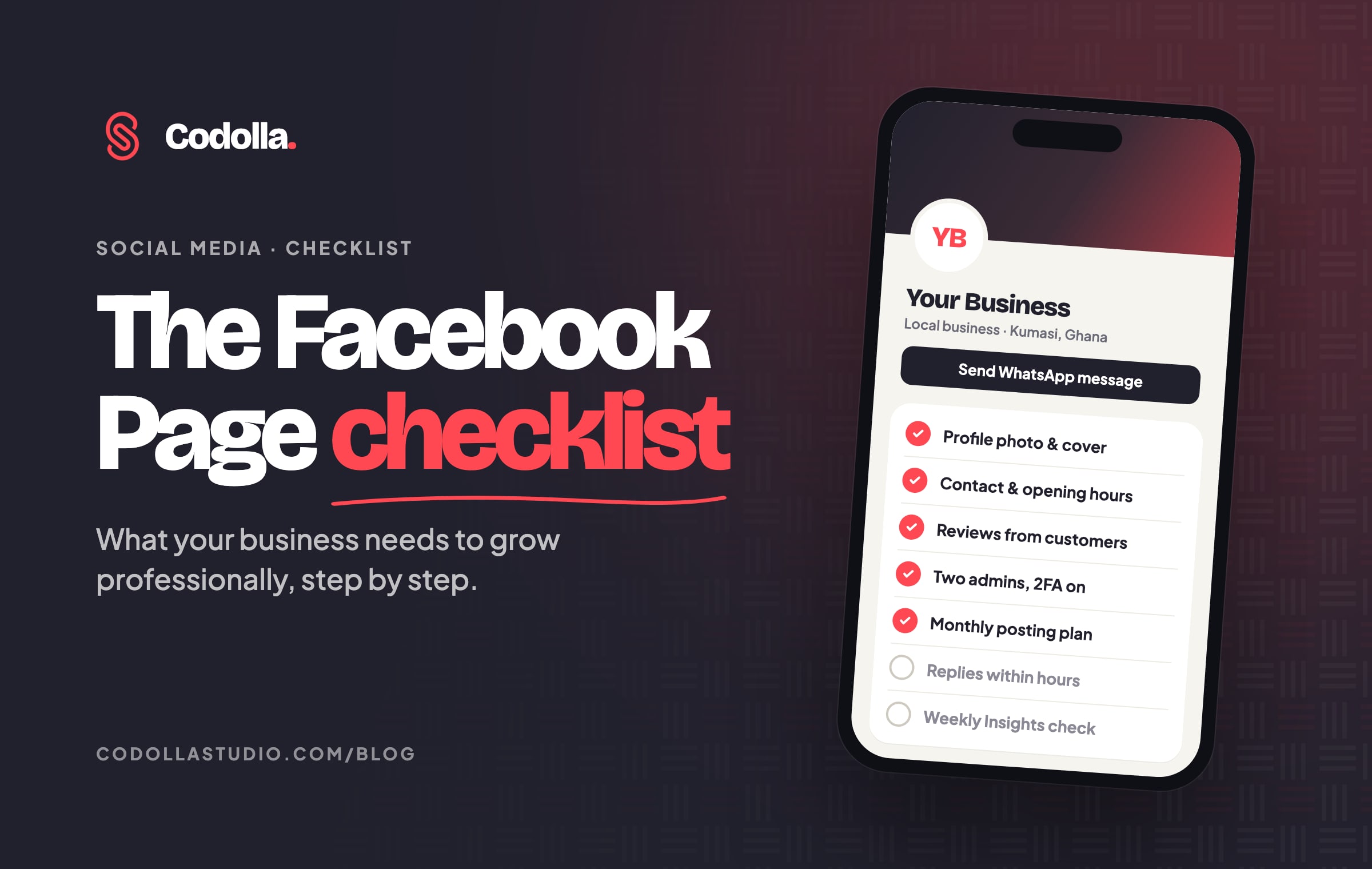
- WhatsApp: connect your WhatsApp Business number and set your Page's main button to Send WhatsApp message. Many customers in Ghana prefer to reach a business that way. Our WhatsApp Business setup guide shows how to get the WhatsApp side right.
- Address and map pin, if customers can visit you. A real location builds trust.
- Opening hours, kept up to date, including public holidays.
- Your website, and links to your other social media pages.
- Services or products, each with a short description. You don't have to publish prices, but say how to get a quote.
3. Show you're real and trustworthy
People buy from businesses they trust. Your Page should prove you exist and do good work.
- Real photos of your premises, your team and your work. Stock photos make you look like everyone else.
- Reviews and recommendations from happy customers. Ask for them after a job well done, and reply politely to every review, good or bad.
- A pinned or featured post that introduces your business and gives one next step, such as sending a WhatsApp message.
- Your story: who started the business, why, and what you stand for. A face behind the brand helps people trust you.
4. Keep your Page safe
Many businesses lose their Page because it was controlled by one person's personal account, and that person left or was hacked.
- Manage the Page from a business portfolio in Meta Business Suite that belongs to the business, not to one person.
- Have at least two trusted admins with full control, so you're never locked out.
- Turn on two-factor authentication for everyone with access.
- Give staff and agencies only the access they need, such as posting and messages but not full control, and remove people when they leave.
- Never share your password. Ignore messages that say your Page will be deleted unless you click a link; they are scams.
5. Plan what you post
Posting "when we remember" is the most common reason Pages stop growing. A simple plan fixes it.
- Choose three or four content themes that match your goals, for example: your work and results, tips that help your customers, behind the scenes, and offers or announcements.
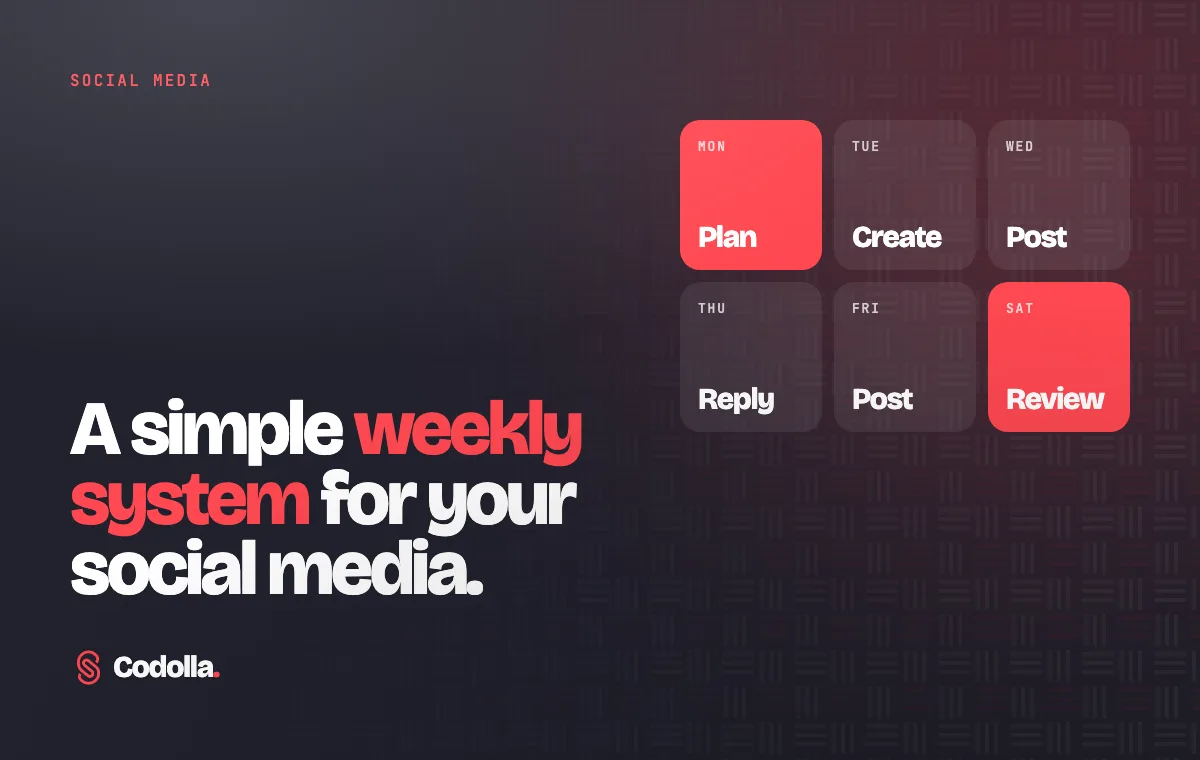
- Post consistently. Three good posts a week that you can keep up beat ten posts in one week and nothing for a month. Our weekly social media system shows one way to keep it going.
- Plan a month ahead in a simple calendar, and include local moments such as public holidays, school resumption, Christmas and the new year.
- Mix formats: photos, short vertical videos (Reels), carousels for step-by-step tips, and the occasional live video.
- Use sizes that fill the phone screen: 1080 × 1350 pixel portrait images and 1080 × 1920 vertical videos.
- Schedule posts ahead with Meta Business Suite or a scheduling tool, so they go out even on busy days.
6. Write posts people stop for
- Start with a hook in the first line: a question, a problem or a fact your customer cares about.
- Write the way you talk: short sentences, plain words and local examples your customers recognise.
- One post, one message. Don't pack five ideas into one caption.
- End with one clear next step: "Send us a WhatsApp message", "Visit us at…" or "Book before Friday".
- Add a few relevant hashtags, such as your town and your industry. Three to five is plenty on Facebook.
- Check spelling, phone numbers and prices before you post. Small mistakes cost trust.
7. Reply fast, every time
A comment or message is a customer putting up their hand. Speed matters.
- Reply to comments and messages within a few hours during working hours.
- Set up an instant reply and frequently asked questions in Meta Business Suite, so people get an answer even when you're busy.
- Move serious enquiries to WhatsApp or a phone call, and follow up.
- Hide spam and abuse, but don't delete honest complaints. Answer them calmly in public, then solve the problem in private.
8. Grow your audience the right way
- Invite people who know you: customers, suppliers and friends who would want your updates.
- Show your Page wherever you already are: your WhatsApp status, email signature, website, receipts, flyers, vehicles and signboard. A QR code that opens your Page works well on print.
- Work with others: tag partners and clients (with their permission), celebrate their success and share each other's posts.
- Ask happy customers to share and recommend you. Word of mouth still works; it has simply moved online.
- Never buy likes or followers. Fake followers don't buy anything, and they make your posts reach fewer real people.
9. Use paid ads wisely
Regular posts build trust; ads speed up reach. Use both.
- Boost your best posts, not random ones. A post that already gets comments and shares is a good choice.
- Use Ads Manager for real campaigns, where you can choose a goal such as WhatsApp messages or website visits, and target people by location, age and interests.
- Start small: run a modest daily budget for a week, then compare what each message or visit cost before you spend more.
- Target only where you can serve. If you deliver only in Kumasi, don't pay to reach people in other regions.
10. Measure what matters
- Check Insights in Meta Business Suite once a week: how many people saw your posts, how they responded and how your followers changed.
- Note which topics, formats, days and times do best, and do more of them.
- Most importantly, track enquiries. Ask new customers "Where did you hear about us?" and keep a simple record. Likes are nice; messages and sales are the goal.
- Go through this checklist again every month.
Mistakes that hold Pages back
- Using a personal profile instead of a business Page.
- An empty or outdated About section with old phone numbers.
- Long silences, then a burst of posts all at once.
- Posting only adverts and prices, with nothing useful or human.
- Leaving comments and messages unanswered for days.
- One person controlling the Page, with no second admin.
The checklist at a glance
- Real business name, clean username, logo as profile photo and a cover that shows what you do
- Category, one-line intro and services filled in
- Phone, email, WhatsApp button, address, opening hours and website added and up to date
- Real photos, customer reviews and a pinned introduction post
- Page owned by your business portfolio, two admins and two-factor authentication on
- Three or four content themes and a monthly posting plan
- Posts with a hook, one message and one clear next step
- Comments and messages answered within hours, with an instant reply set up
- Your Page promoted on WhatsApp, your website and your print
- Small, well-targeted ads on your best posts
- Insights checked weekly and enquiries tracked monthly
Want help with your Page?
At Codolla Studio we set up and manage professional social media pages for businesses in Kumasi and across Ghana, alongside websites, apps, branding and print. Start with our free Digital Presence Check: twelve quick questions that show how customers see your business online, and the three fixes that matter most. Or chat with us on WhatsApp and we'll go through your Page with you.