For many businesses, WhatsApp is where customers actually ask questions, place orders and follow up. The free WhatsApp Business app gives you tools that a personal account does not, and setting them up properly takes an afternoon.
Start with a separate business number
Use a number for the business rather than your personal line, so the account can stay with the business if staff change. Install the WhatsApp Business app, register the number and use your real business name exactly as customers know it.
Complete your business profile
Your profile is what customers see when they tap your name. Fill in every field:
- Description: one or two sentences on what you sell and where.
- Address and location: so customers can find you.
- Opening hours: so people know when to expect a reply.
- Email and website: if you have them, so customers can learn more.
- Profile photo: your logo or a clear shopfront photo, not a personal picture.
Add a catalogue
The catalogue lets you list products or services with photos, prices and short descriptions. Customers can browse it inside the chat and send you an item they are interested in, which saves you sending the same photos again and again.
Use automatic messages
Two automatic messages make you look responsive even when you are busy:
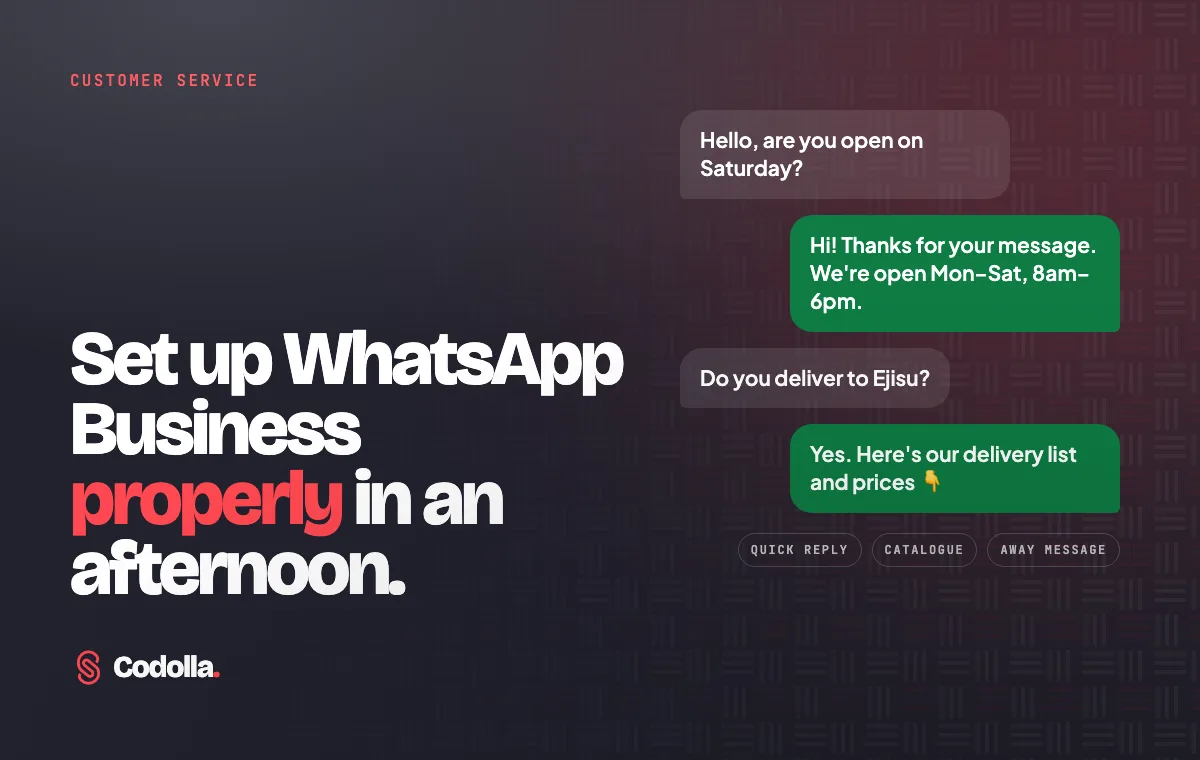
- Greeting message: a short welcome sent when someone messages you for the first time, with your hours and what to include in their request.
- Away message: sent outside your opening hours, telling customers when you will reply.
Save time with quick replies and labels
Quick replies let you save answers to common questions, such as prices, delivery areas or payment details, and send them with a shortcut. Labels let you mark chats as new customer, pending payment, order complete and so on, so nothing slips through the cracks.
Make it easy to start a chat
WhatsApp Business gives you a short link and a QR code that open a chat with you directly. Put the link on your website, Google Business Profile and social media, and print the QR code on flyers, receipts and your shop counter.
Customers judge your business by how quickly and clearly you answer. A well set up WhatsApp account does a lot of that work for you.
Know when you need more
If you receive more messages than one phone can handle, need several staff to answer from one number, or want to connect WhatsApp to your website or ordering system, it may be time for the WhatsApp Business Platform and a proper integration.
Want to see how your business shows up online overall? Take our free Digital Presence Check, or talk to Codolla Studio about connecting WhatsApp to your website or systems.