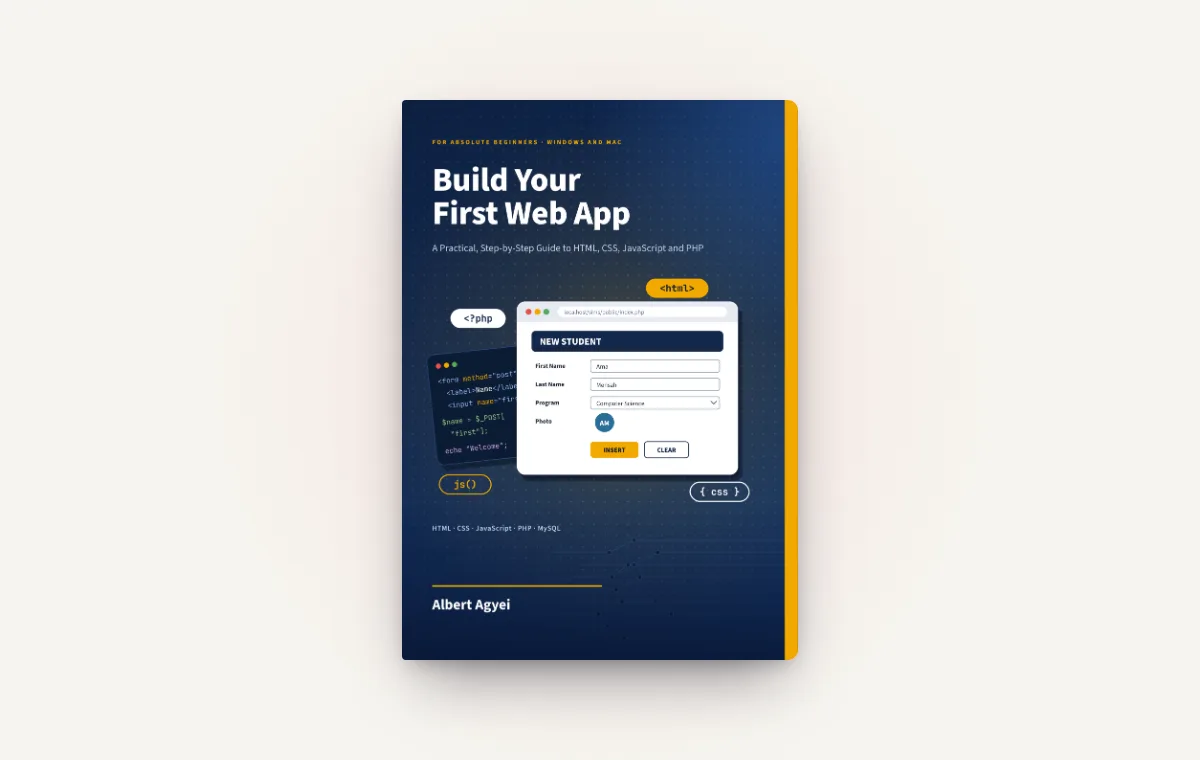
Most people who want to learn web development do not struggle because the subject is too hard. They struggle because tutorials rush into a big project, ask them to copy code they do not understand, and leave them stuck the moment something breaks. Build Your First Web App: A Practical, Step-by-Step Guide to HTML, CSS, JavaScript and PHP, by Codolla Studio founder Albert Agyei, sets out to fix that.
The book takes you from an empty folder to a complete, working web application with a login, a database and a proper interface. You do not need any experience. You need a computer running Windows or macOS, an internet connection and a few hours a week.
Who the book is for
- Complete beginners who have never written a line of code.
- Students who want to understand what their courses only touch on, and build something they can show.
- Career changers who want a solid foundation before they pick a framework.
- Business owners and staff who want to understand how the web apps they use every day actually work.
Every step covers both Windows and Mac, from installing the tools to opening your first page in the browser. The examples use Ghanaian names and places, so the people in your forms and databases feel familiar.
Understand first, then build
The book is split into two halves on purpose. In the first, each language is taught on its own with small, focused examples: HTML for structure, CSS for appearance, JavaScript for behaviour, and PHP with MySQL for saving and reading data. One example runs through them all: a School Admission Form. You write it in HTML, style it with CSS, check it with JavaScript and save it to a database with PHP, so you can see exactly what each language adds.
Only when you understand the pieces do you put them together. In the second half you build a complete Student Information Management System, from planning to testing.
Every screenshot in the book was taken from real, working code, so what you see on the page is what you will see on your screen.
What you will build
The Student Information Management System is the kind of application schools, training centres and businesses rely on. By the end of Part 6, yours will:
- let administrators log in and out securely using sessions;
- add students with their photos, then list and view them;
- edit and delete records, and manage administrator accounts;
- store everything in MySQL using prepared statements, which protect against SQL injection;
- check form input, handle photo uploads safely and show clear messages when something goes wrong.
Along the way you also learn how to read error messages, find and fix bugs, and put your work online.
Inside the book
The book has 22 chapters in seven parts:
- Part 1, Getting Ready: how the web works, and setting up Chrome, VS Code and XAMPP.
- Part 2, HTML: the basics, lists and tables, and forms.
- Part 3, CSS: the basics and the box model, layout and responsive design, and styling forms and tables.
- Part 4, JavaScript: the basics, then the DOM, events and forms.
- Part 5, PHP and MySQL: PHP basics, form data, databases and SQL, PHP with MySQL using prepared statements, file uploads and sessions, and security.
- Part 6, the project: planning, login and logout, adding and viewing students with photos, editing, deleting and admins, and finishing touches and testing.
- Part 7, Debugging and going online: finding and fixing problems, and publishing your app.
The appendices cover common error messages, cheat sheets, answers to the exercises, a glossary and an index, so the book stays useful long after your first read.
Get the free code download
The companion code contains the practice code for every chapter and the finished Student Information Management System, ready to copy into XAMPP. It is free for subscribers to the Codolla Studio newsletter.
Visit the book's page to get the free code download by joining our newsletter. We will email you a download link straight away. Reading the printed book? The short address codollastudio.com/book takes you to the same page.